T-Connect Installation Guide
So your T-Connect's just arrived — how do you get it up and running?
Add the T-Connect to your WiFi network
This is only supported on Chrome browsers.
- Go to Manage → Machines
- Click Provision a DataSource
- Connect your DataSource to your computer with a USB-C cable
- Click Click to connect
- Pick a device called "DataSource" in the menu dialog
- Enter your WiFi credentials
- Click Update WiFi details
- Wait for the T-Connect to receive your WiFi credentials
- Once it has your credentials and is connected, one LED will be on and the other will be flashing
- Once the T-Connect connects to our server, the second LED will turn on
- The T-Connect is working when both LEDs are on and solid
Install the T-Connect into your CNC Machine
Find the machine power supply
All installation tasks must be completed by an authorized, properly qualified and skilled person who:
- Has read and understood the information presented here
- Is aware of the possible dangers and acts accordingly
- Is familiar with electrical machinery
- Is trained and authorized to work on electrical machinery
- Check the T-Connect for any damage. If it's damaged, contact support.
- Isolate the CNC machine.
- Screw the antenna onto the T-Connect.
- Plug the bootlace ferrule of the positive side of the DC cable into the 24V supply in the back of your machine cabinet — there should be many available sockets.
Power the unit from a 12–24 V DC supply protected by a 500 mA fast-acting fuse (or equivalent circuit protection) installed upstream of the unit. Make sure the socket you use is on a fused circuit.
The unit's internal resettable fuse, reverse-polarity and surge protection protect the unit only and do not replace external circuit protection.
The positive cable will have a red terminal and is also marked with a dashed white line.
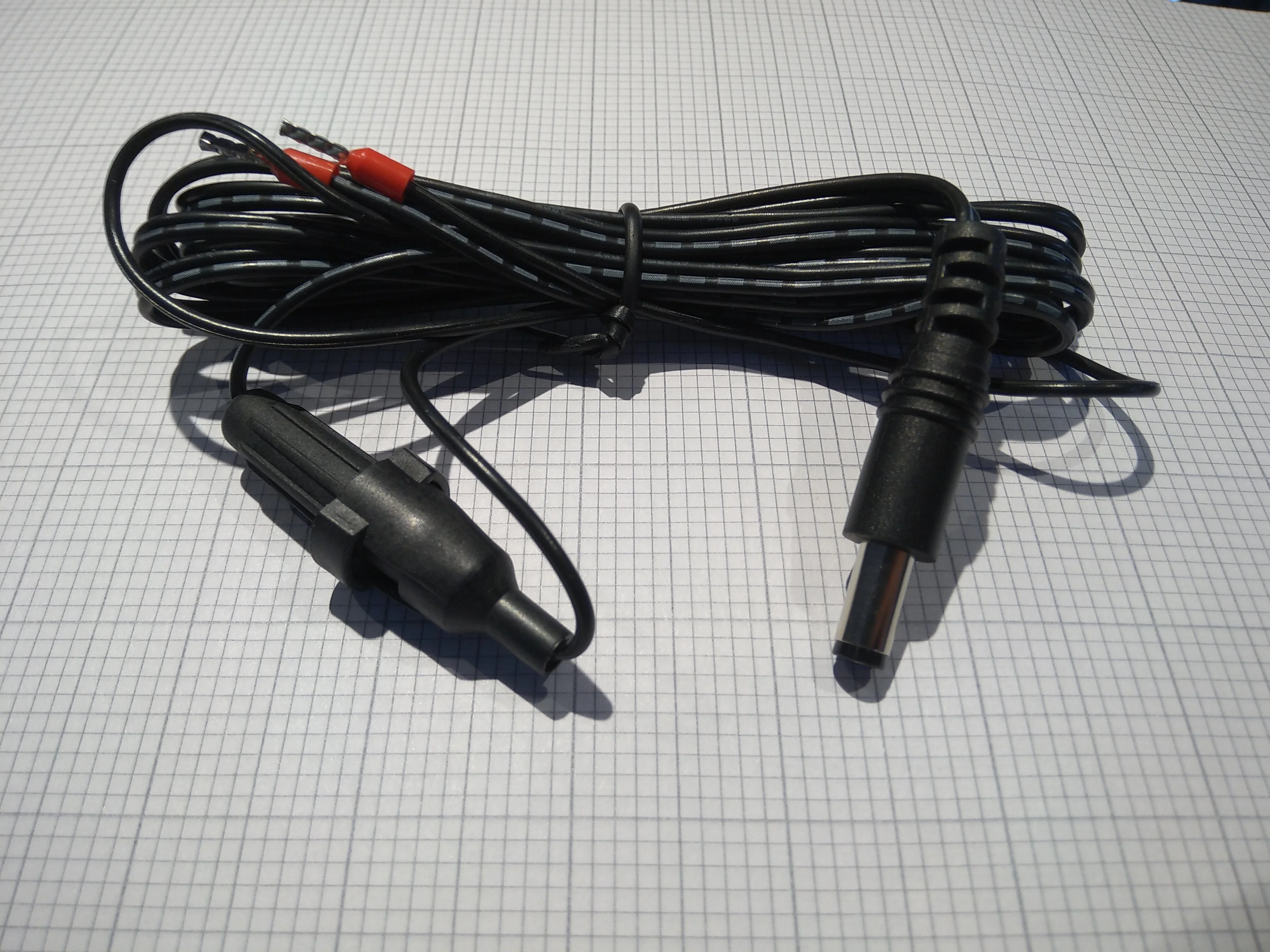
- Plug the other terminal into the 0V or ground supply.
- Plug the DC jack into the T-Connect.
Find your productive spindle power cables
- Attach the current transducer around a single phase of your 3-phase spindle power supply.
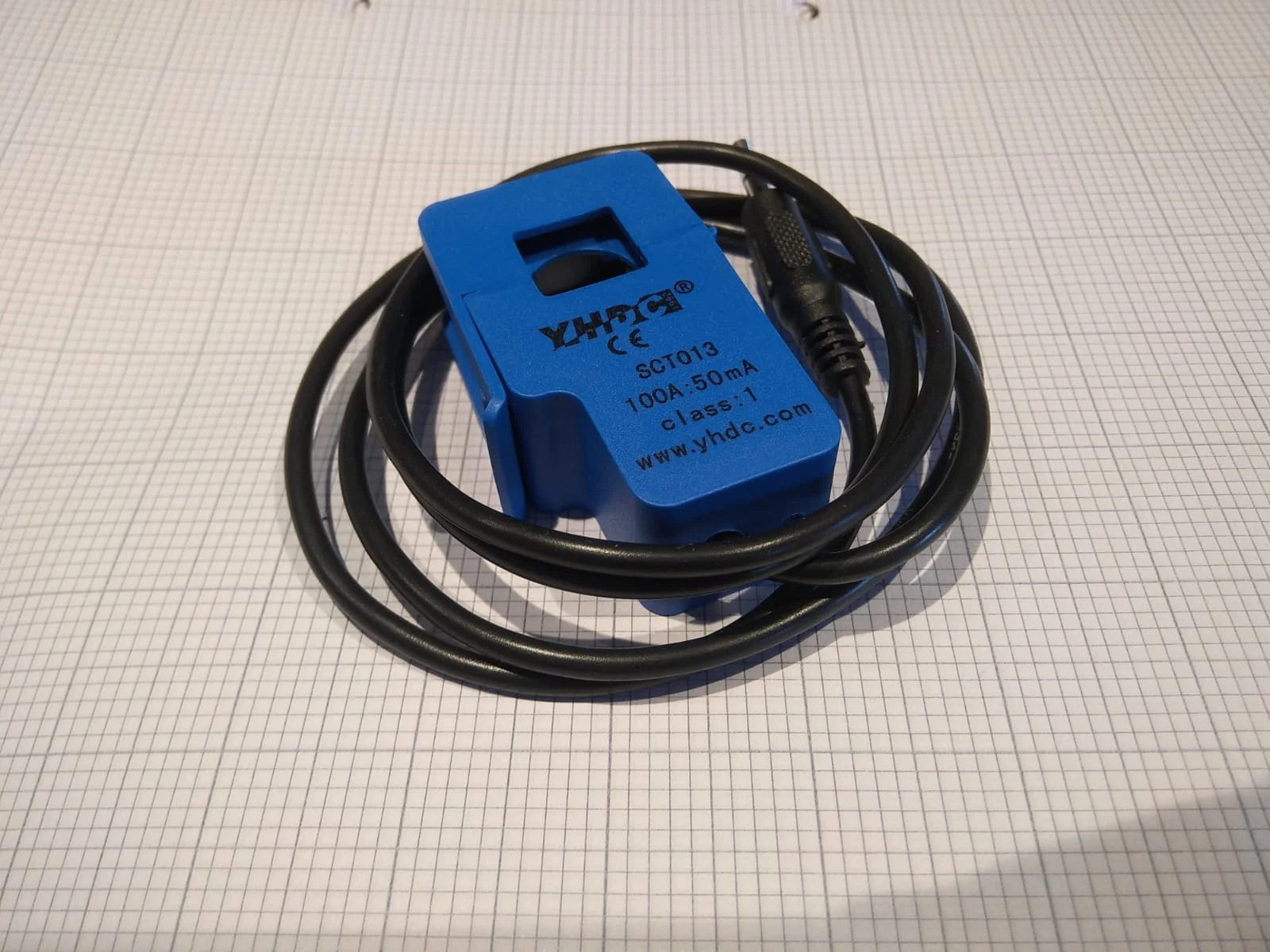
In the back of the machine cabinet there's a set of axis amplifiers for all the axes in the machine. The spindle amplifier is often labelled "SP" or "SP1".
- Plug the current transducer into your T-Connect into the 3.5mm jack labelled "1".
- If you have more productive spindles on the machine (e.g. a multi-tasking machine or lathe with two spindles), plug those extra current sensors into the extra numbered machine monitoring inputs.
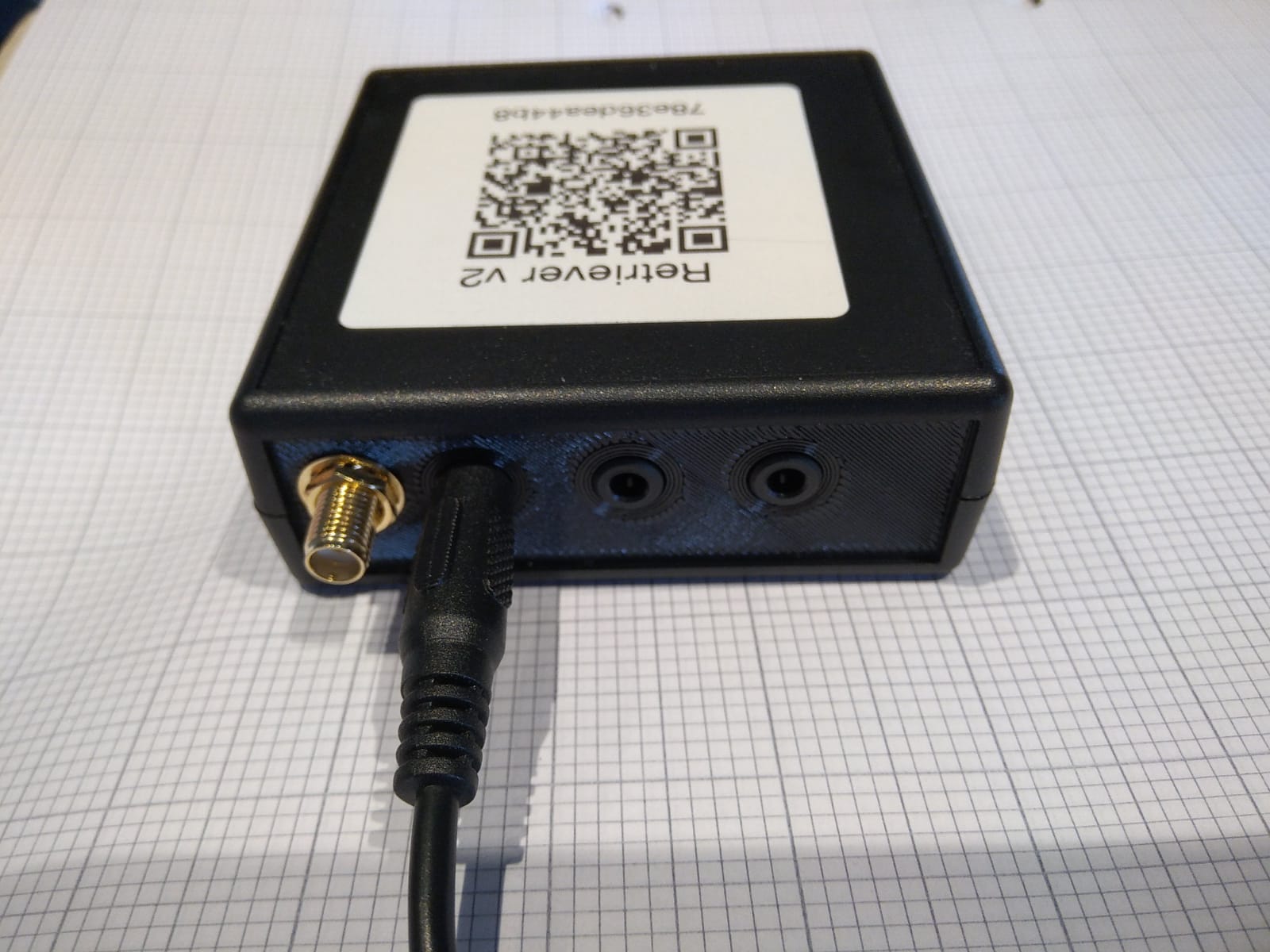
- If you've opted to also measure energy usage, place a current sensor around one of the three-phase main power cables and insert it into the E input on your T-Connect.
- If you're wiring the machine's running signal or a part count into the T-Connect's digital inputs (S3EEIO units and later), do it now — see Wiring the Digital Inputs.
- Peel the backing off the velcro, attach it to the back of your T-Connect, and stick it somewhere the WiFi signal can get out (often near the fan outlets).
- Close the machine cabinet.
- Turn the machine on.